Pixelator — Sprite Cleaner
A downloadable tool for Windows and Linux
Pixelator — Fast Sprite & Asset Cleaner
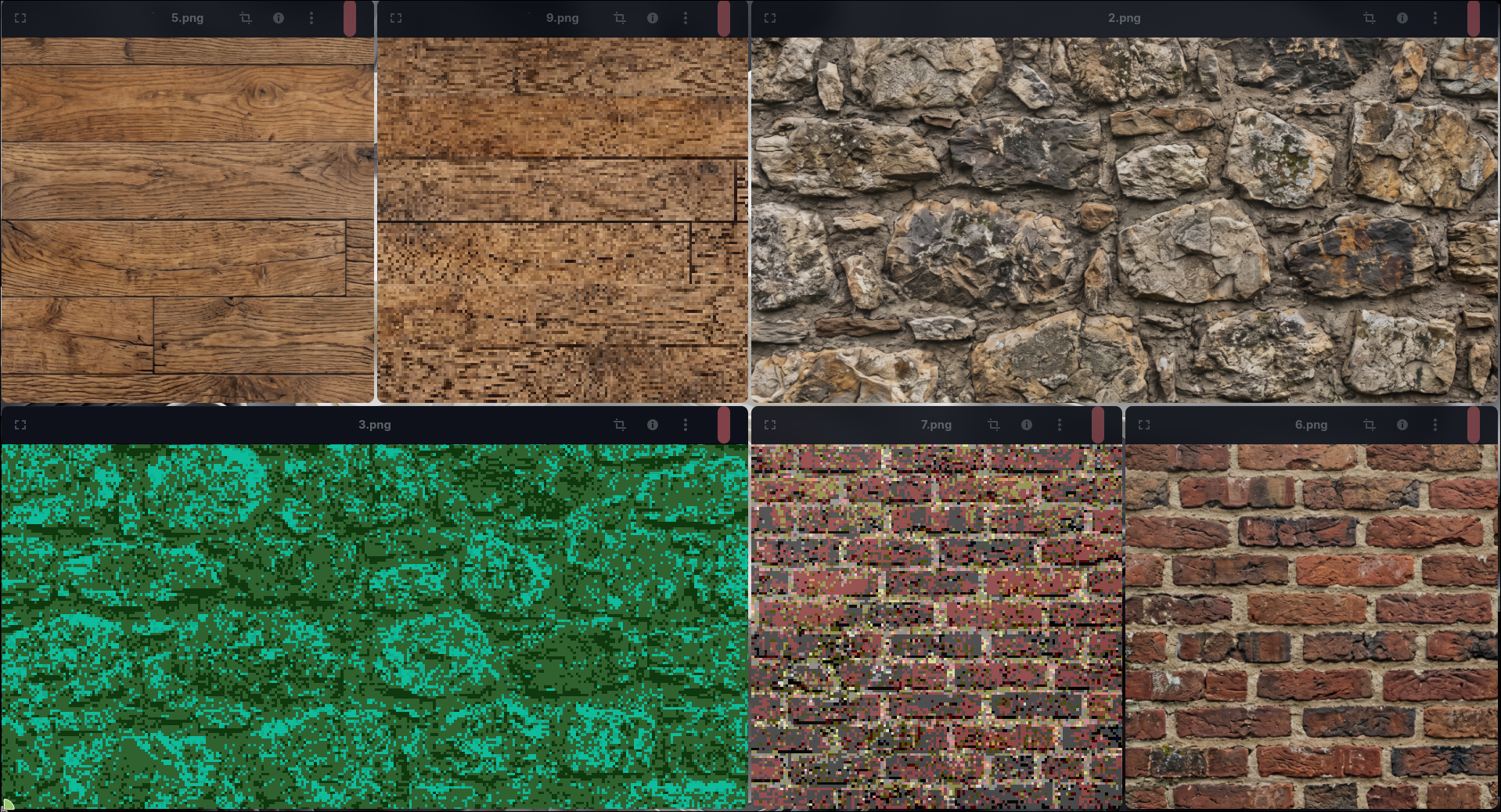
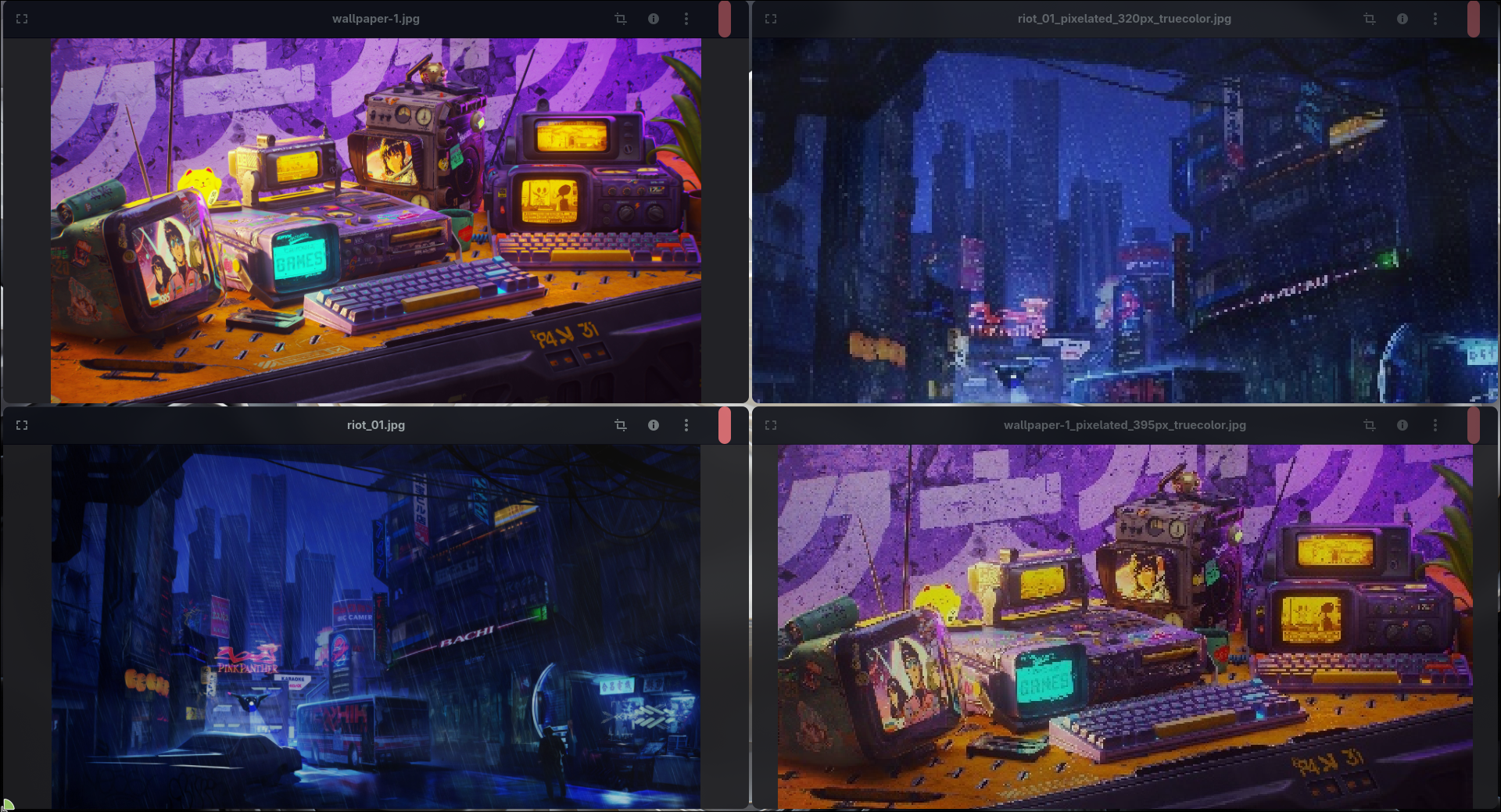
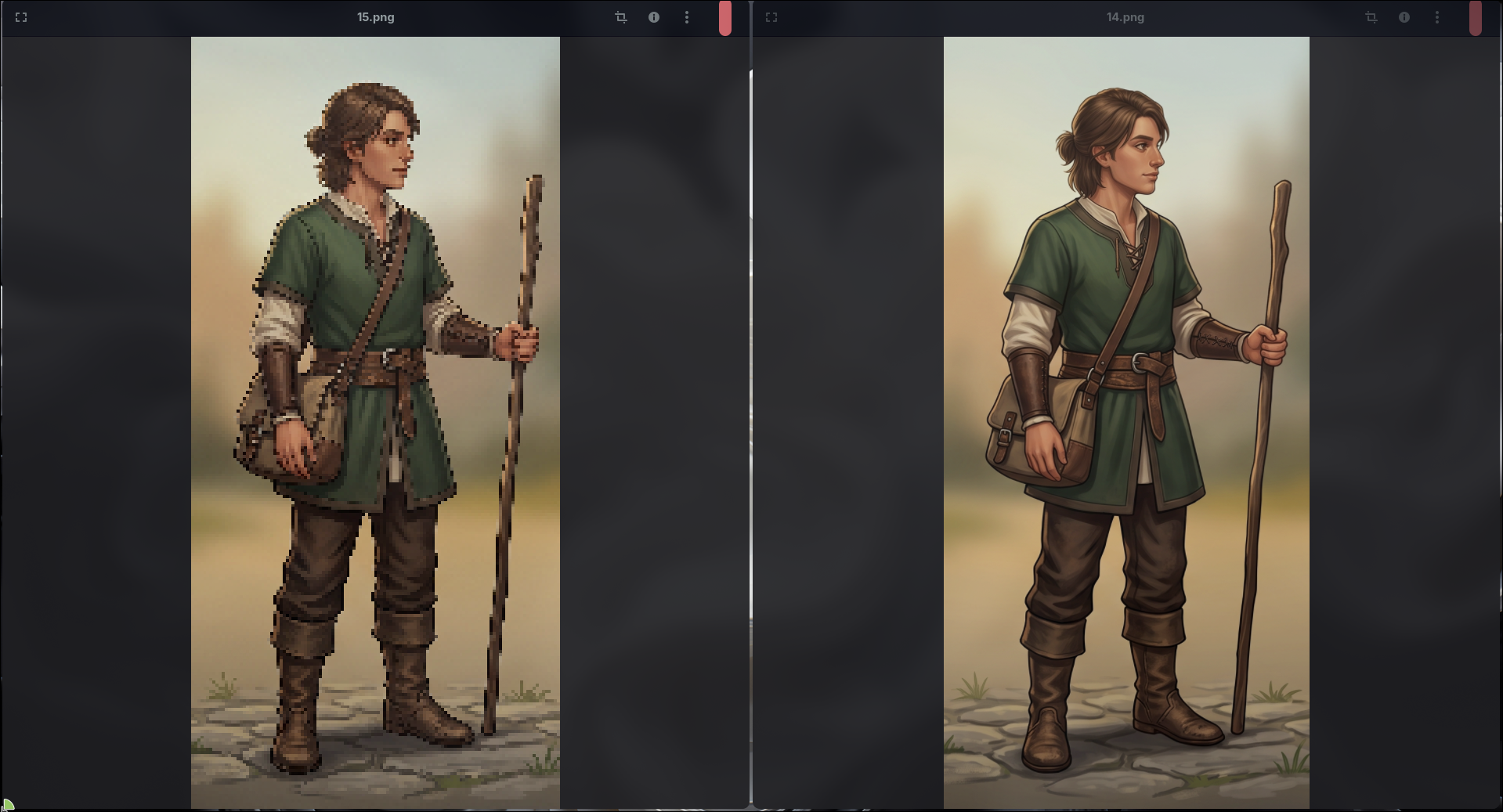
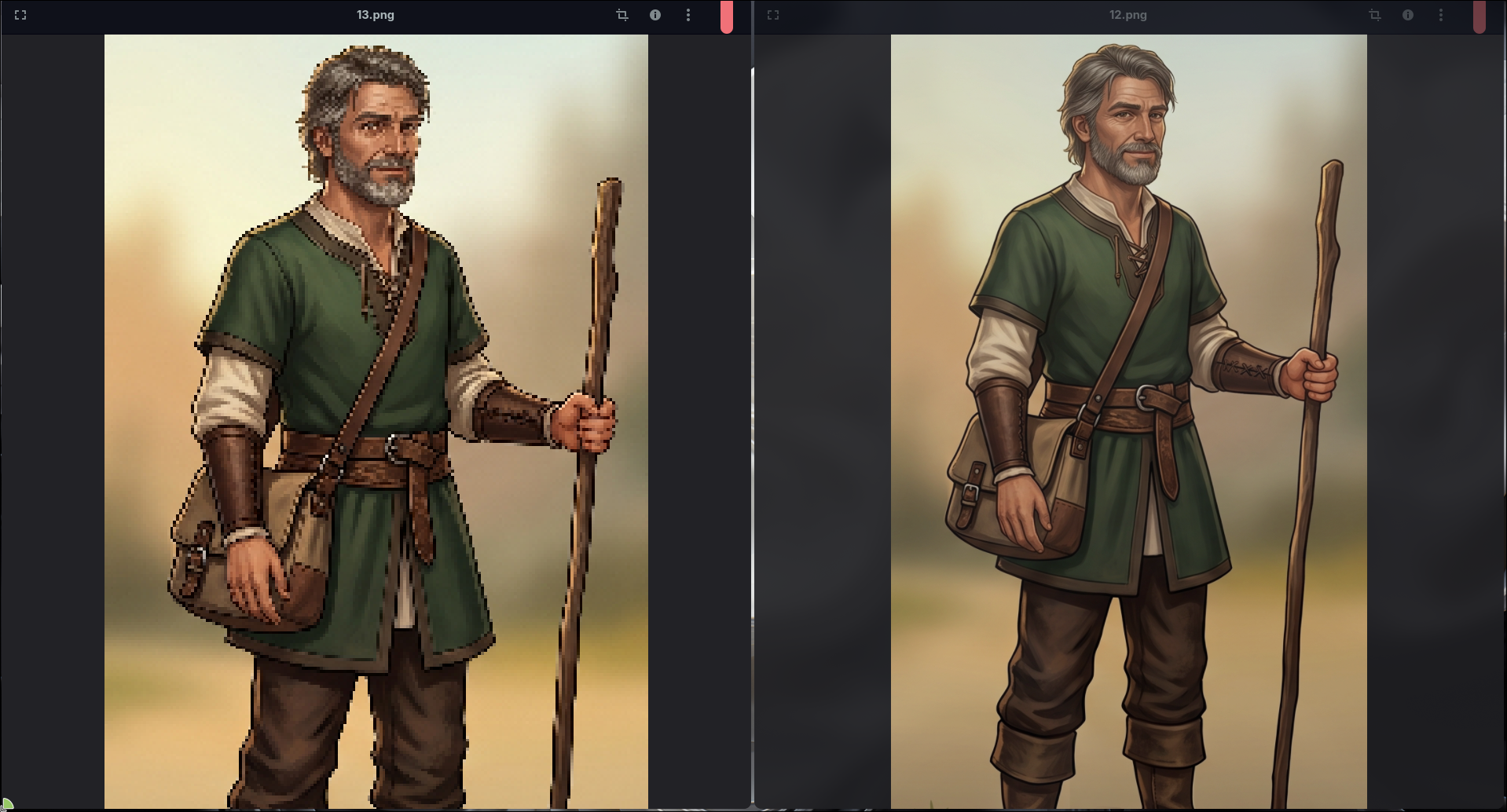
Save hours of manual editing. Turn raw graphics, photo assets, and render batches into crisp, retro-style pixel art in seconds.
Built with native C++26 & OpenCV for indie game developers, pixel artists, and retro creators who need a high-performance workflow without heavy image editors.
---
Key Features
- Batch Processing: Drop dozens of images at once and process the entire queue in seconds. Perfect for animation frames and sprite sheets.
- Smart Auto-Scale: Uses mathematical variance algorithms to automatically find the optimal pixel grid for any input image.
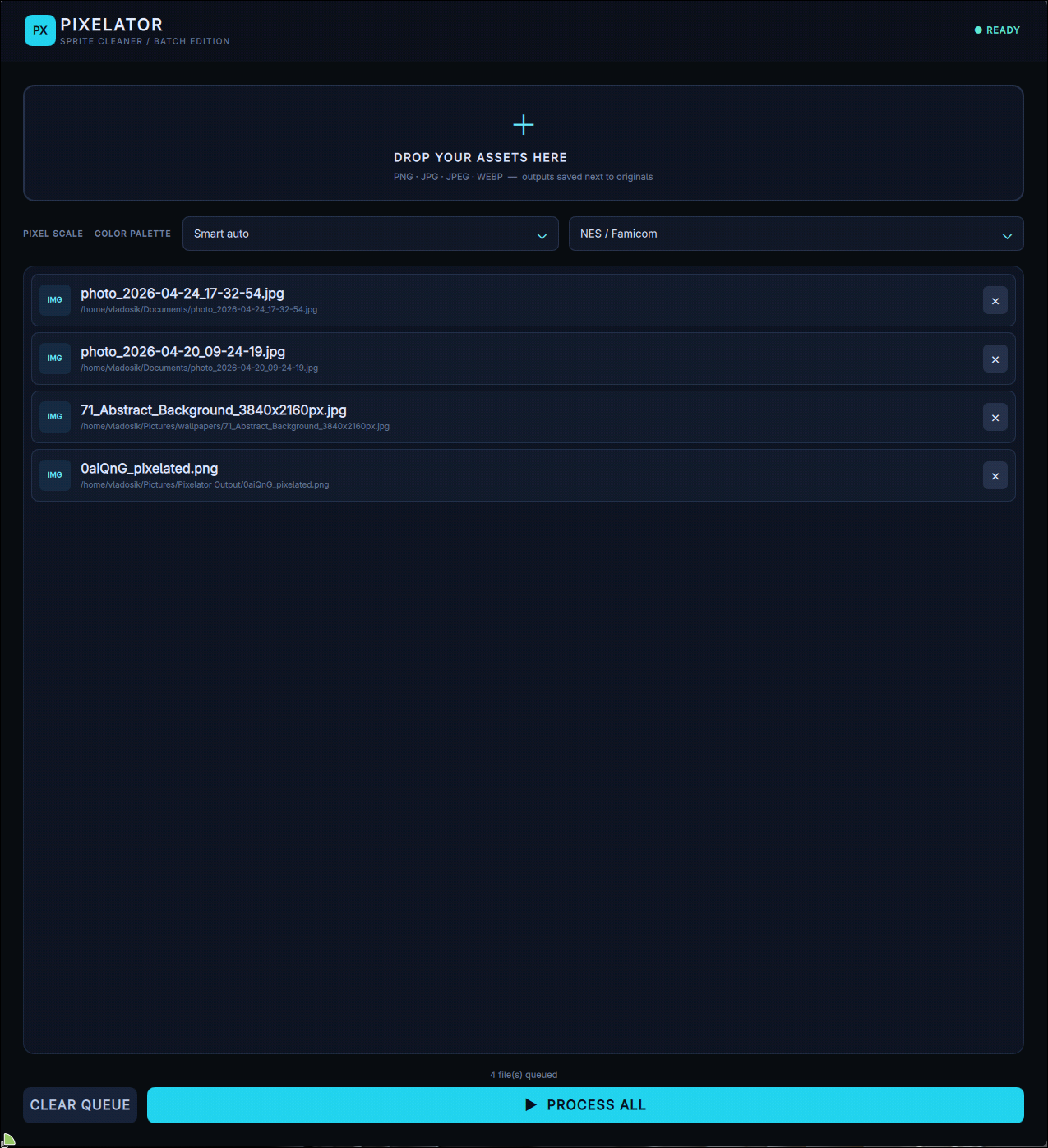
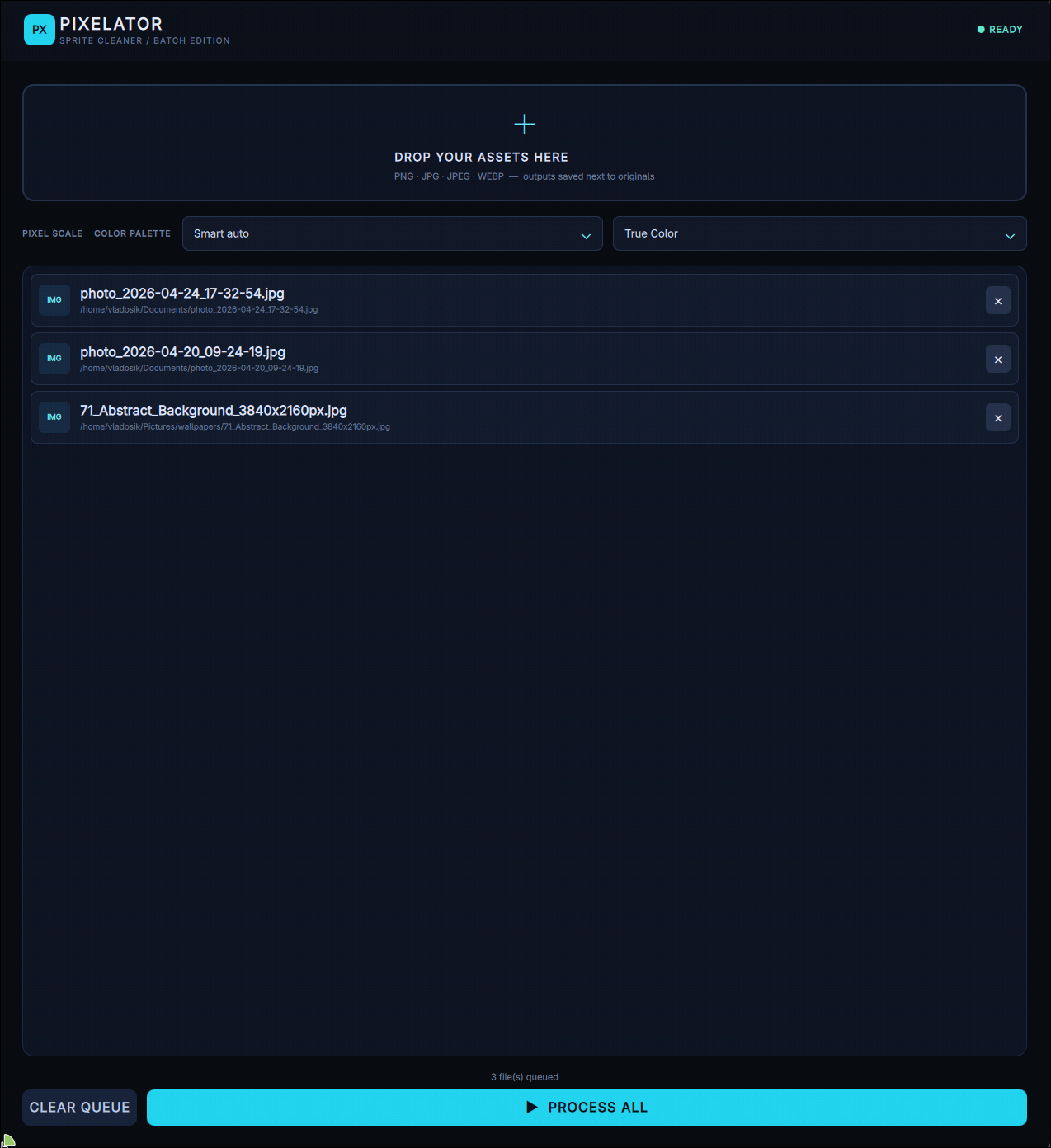
- Authentic Retro Palettes: One-click color quantization for Game Boy, NES / Famicom, SEGA Mega Drive, PICO-8, or True Color.
- Non-Destructive Workflow: Output files are automatically saved next to the originals with clear, descriptive names (e.g., hero_sprite_pixelated_48px_pico8.png). Original files are never overwritten.
- Native Performance: Lightweight, zero tracking, offline-first, and built without heavy web wrappers or Electron bloat.
---
How to use
1. Launch Pixelator.
2. Drag & Drop your PNG, JPG, JPEG, or WEBP files into the app.
3. Select your target Pixel Scale and Color Palette.
4. Click "Process All".
5. Find your ready-to-use pixel art sprites in the same folder as the originals.
---
System Requirements
Windows:
- Windows 10 / 11 (64-bit)
- Unzip the archive and run Pixelator.exe (Standalone, no install needed)
Linux:
- Any modern 64-bit Linux distribution
- Make executable (chmod +x Pixelator-x86_64.AppImage) and run
---
*Buy once, use forever. Native C++26 + Qt 6 + OpenCV utility built for game developers.*
My email: darkv1studios@gmail.com
My discord: vlad_zab
Download
Install instructions
Download & Install Instructions
Windows
1. Download and extract `Pixelator-Windows-x86_64.zip`.
2. Run `Pixelator.exe`.
*(No installation required. On first launch, the app will ask if you want to create a Desktop shortcut).*
Linux
1. Download `Pixelator-x86_64.AppImage`.
2. Make it executable (`chmod +x Pixelator-x86_64.AppImage`).
3. Run the AppImage.
*(On first launch, the app will ask if you want to add it to your system app menu).*
Leave a comment
Log in with itch.io to leave a comment.